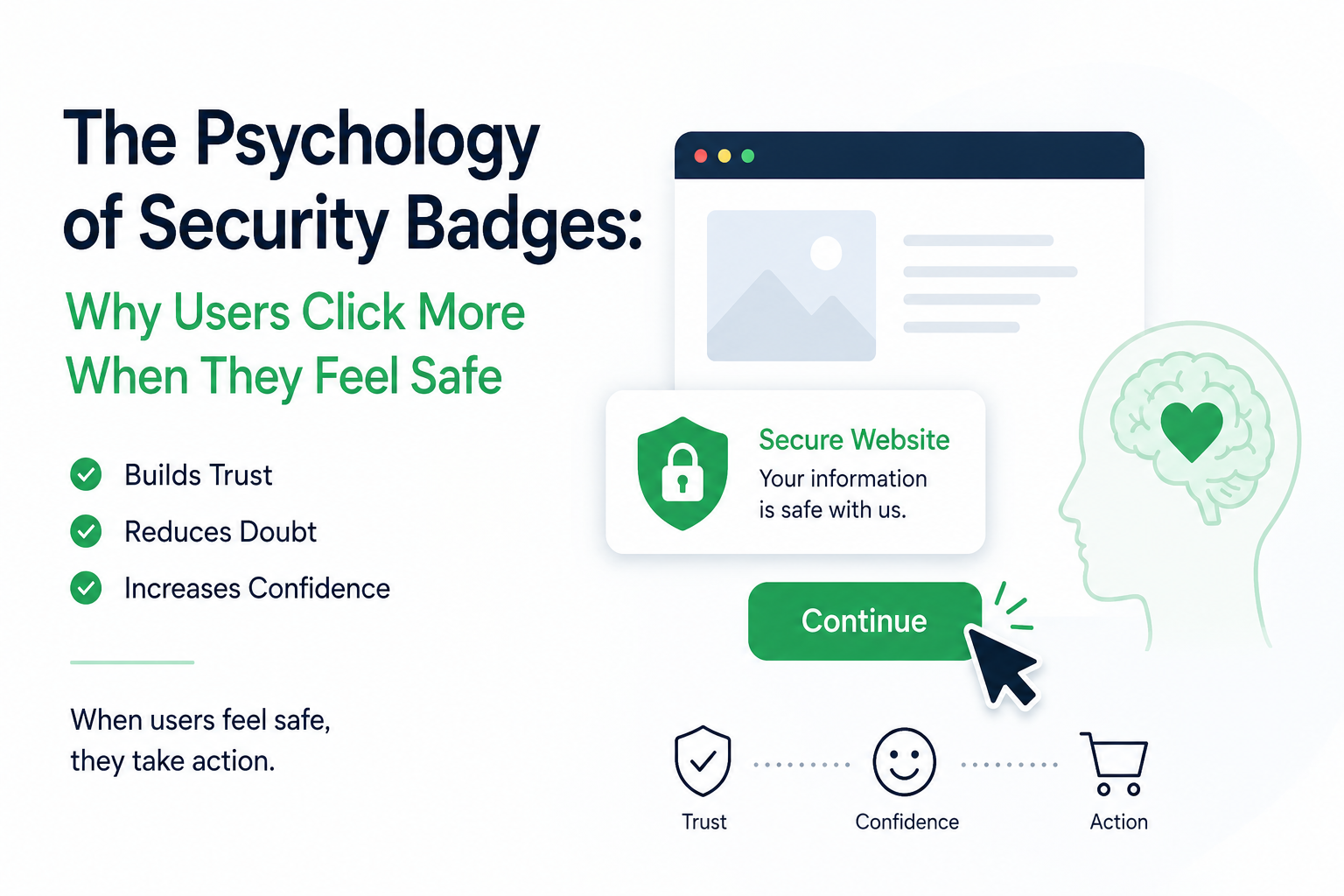
The Psychology of Security Badges: Why Users Click More When They Feel Safe
Have you ever landed on a website—perhaps an online store you found through a social media ad—and felt a split-second of hesitation? The design was decent, the product looked good, but something felt... "off." Maybe it was the lack of clear contact information, or maybe the URL looked a bit generic. You hovered your mouse over the "Buy Now" button, but you didn't click.
You aren't alone. In fact, that hesitation is one of the most studied phenomena in e-commerce and digital marketing. It is a biological survival instinct transferred to the digital realm.
In the digital world of 2026, trust is the primary currency. Before a user hands over their credit card information, their email address, or even their time, they are performing a subconscious risk assessment. They are asking: Is this site going to hurt me?
This is where the psychology of security badges and trust signals comes into play. It’s not just about looking "official"; it’s about speaking to the lizard brain—the part of us that prioritizes safety above all else.
The Lizard Brain and the Digital "Fight or Flight"
To understand why a simple badge can increase your conversion rates, we have to look at evolutionary psychology. Our brains haven't caught up to the internet age. When we encounter an unfamiliar environment, our brains look for "trust cues."
In the physical world, these cues are easy to spot: Does the storefront look well-lit? Are there other people inside? Is there a security guard?
On the web, we don't have those physical markers. We have a screen, a keyboard, and a URL. When those physical cues are missing, the brain triggers a state of "uncertainty," which is the enemy of conversion. When a user is uncertain, they do the safest thing possible: they leave.
Security badges and transparency markers bridge this gap. They provide the "social proof" and "authority" that our brains need to lower their guard.
The Trust Gap: Why "Safe" Isn't Enough
For the better part of a decade, the industry relied heavily on the SSL padlock. As discussed in previous explorations, that green lock became the de facto symbol of safety. However, in 2026, the padlock has been "democratized." Because even the most dangerous phishing sites now carry SSL certificates, the padlock no longer serves as a differentiator.
This created the "Trust Gap." Users know something about encryption, but they don't know who they are dealing with. A security badge, especially a Transparency Badge, closes that gap by proving identity and accountability, not just encryption.
When a user sees a badge that says "Verified Transparency" or "Identity Confirmed," their brain stops asking is this a scam? and starts focusing on the product itself.
The Three Pillars of Trust Psychology
Why do these badges work? It boils down to three psychological principles:
1. Authority Bias We are hardwired to look for experts and authorities to guide our decisions. A badge that indicates a site has been "vetted" or "verified" acts as a shorthand for authority. It tells the user that someone else—a trusted third party—has already done the homework for them.
2. The Mere-Exposure Effect This is a psychological phenomenon where people tend to develop a preference for things merely because they are familiar with them. Even if a user doesn't know exactly what your specific badge represents, the mere presence of a professional-looking, branded badge creates a sense of familiarity. It looks like "the other sites" that they have successfully used in the past.
3. Reduction of Cognitive Load Making a purchase or signing up for a service requires a lot of mental energy. Is this price right? Is this company real? Will my data be stolen? By placing a security badge near the checkout button or the email input field, you are telling the user's brain: "You don't need to worry about the security part; we’ve handled it." This frees up the user's brain to focus on the actual decision to buy.
Designing for Trust: Where to Place Your Badges
The psychology of trust is also about location. If you put a badge in a place where the user never looks, it serves no purpose.
The Checkout Funnel: This is the most critical area. Cart abandonment often spikes right when the user is asked for sensitive information. Placing a badge near the "Place Order" button creates a "safety anchor" that can nudge a hesitant buyer across the finish line.
The Footer: While users might not look at the footer for fun, they do look at it when they have doubts. When a user feels unsure, they scroll down to see your address, your policies, and your trust signals.
The Hero Section: For new brands that no one has heard of, adding a small "Verified" or "Trusted" badge near the top of the landing page can help establish immediate credibility before the user even scrolls.
The Role of Transparency in 2026
We are currently living in an era of "Synthetic Media." With AI creating content, images, and even voices, the skepticism of the average internet user has hit an all-time high.
Transparency isn't just a nice-to-have; it’s becoming the new "padlock." Users are actively looking for evidence of human oversight. When you include badges that verify your policies, your identity, or your editorial standards, you are telling the user that you are an accountable entity in a sea of anonymous, automated noise.
Avoiding the "Badge Overload" Trap
There is a flip side. If you slap 20 different badges, icons, and "secure" labels on your page, you can actually trigger suspicion. It looks like you are trying too hard.
The goal is intentionality. One well-placed, high-quality, and meaningful badge—like a Transparency Badge—is far more effective than a collection of generic, low-resolution "McAfee Secure" icons that every single scammer on the internet also uses.
Conclusion: Building a Relationship, Not Just a Transaction
Security badges are ultimately about building a relationship. They are the digital version of a firm handshake. They signal that you are a real person (or a real business) running a site that values the safety and privacy of your visitors.
By understanding the psychology behind why users click, you can transform your website from a cold, distant digital storefront into a warm, trustworthy destination.
Frequently Asked Questions (FAQs)
Q1: Do users actually notice security badges?
Yes, but they notice them subconsciously. Most users won't stop to read the fine print of your badge. Instead, they register the presence of the badge as a "trust signal." It registers as "professional" and "safe" before they even consciously think about it.
Q2: Can a badge actually increase my sales?
Yes. Multiple A/B testing studies across the industry have shown that adding trust signals, like verified badges, to high-friction areas (like checkout pages) can reduce cart abandonment by a measurable percentage. When you remove the "fear factor," you increase the conversion rate.
Q3: Isn't "SSL" the same thing as a security badge?
No. As discussed, SSL is a technical protocol that is now expected as a baseline. A security or transparency badge is a reputational signal that proves you are a verified, legitimate entity. They serve two different functions: one protects the data, and the other protects the user's trust.
Q4: Should I use generic "Safe" icons or a custom transparency badge?
Generic icons (like standard padlock icons or "100% secure" text) are often ignored because users have been conditioned to see them everywhere—even on scam sites. A custom, verifiable transparency badge is much more powerful because it often links to a policy page or a verification page that proves your identity.
Q5: Will a security badge make me look "old school"?
Not if it's designed well! A modern, minimalist badge that integrates seamlessly with your design actually looks more professional. In 2026, the trend is moving toward "Verifiable Transparency," which actually makes a brand look more modern and prepared for the future of the web.